Configuring HBA Ports Using the General Configuration Wizard—Step 7
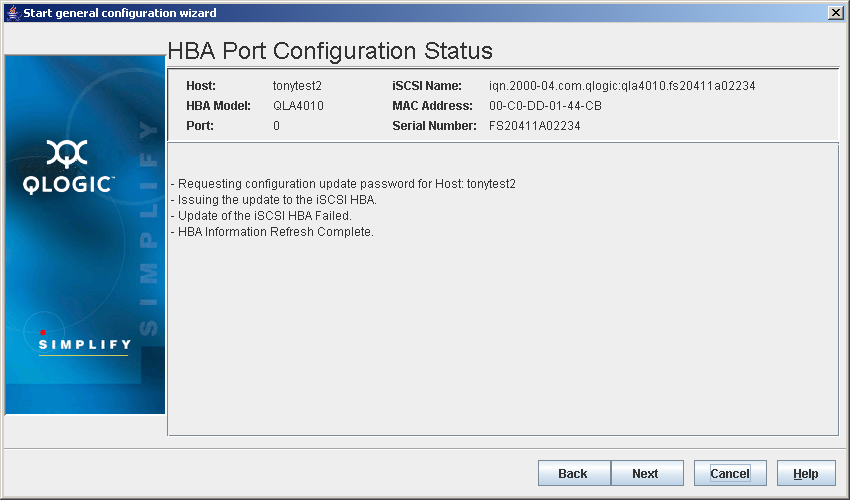
- The HBA Port Configuration Status dialog box displays (see the illustration below).
HBA Port Configuration Status Dialog Box
The identifying information displays:
- Hostname. The name or IP address of the host connected to the HBA
- HBA Model. The QLA2xxx HBA
- Port. HBA port number
- Node Name. HBA node name
- Port Name. HBA port name
- Port ID. Port ID of the HBA port
Do the following:
- Read the information about the changes and the process.
- Do one of the following:
- Click Back to return to the previous dialog box.
- Click Next to proceed.
- Click Cancel to exit the General Configuration Wizard without making any changes.
- Click Help to display context-sensitive help.


 Back to Step 6