Configuring HBA Ports Using the General Configuration Wizard—Step 9
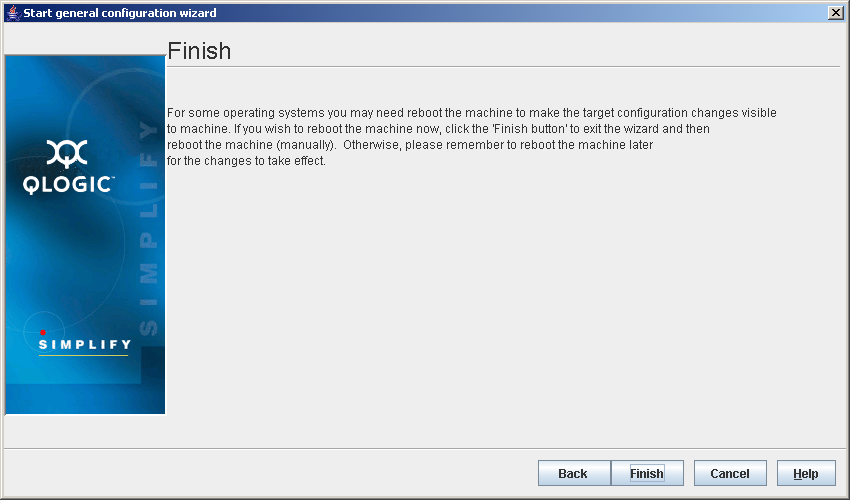
- If you clicked Cancel, the Finish dialog box displays (see the illustration below).
Finish Dialog Box
Do one of the following:
- Click Back to return to the previous dialog box.
- Click Finish to exit the wizard. The changes become effective when the machine is rebooted. You can reboot the machine now or later.
- Click Cancel to exit the General Configuration Wizard without making any changes.
- Click Help to display context-sensitive help.


 Back to Step 8