Configuring HBA Ports Using the General Configuration Wizard—Step 5
- If you clicked Next, the Confirm Changes dialog box displays (see the illustration below).
Confirm Changes Dialog Box
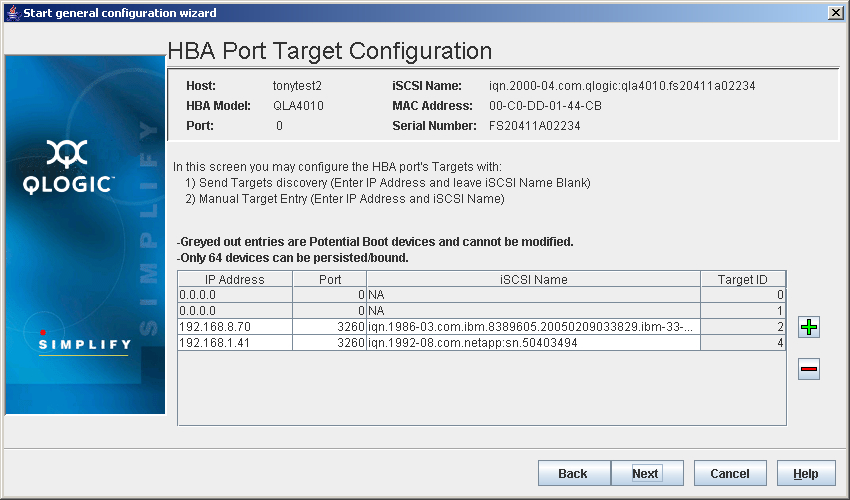
The identifying information displays:
- Hostname. The name or IP address of the host connected to the HBA
- HBA Model. The QLA4xxx HBA
- Port. HBA port number
- iSCSI Name. iSCSI name
- MAC Address. MAC address of the HBA
- Serial Number. Serial number of the HBA
Do the following:
- Review the changes.
- To save a list of the changes for reference, click Save Configuration to File.
- Do one of the following:
- Click Back to return to the previous dialog box.
- Click Next to proceed.
- Click Cancel to exit the General Configuration Wizard without making any changes.
- Click Help to display context-sensitive help.


 Back to Step 4